Install the app
Android Solid Services holds your Solid accounts so every Solid-aware app on your phone can use them. You install it once.
For app developers
You need this installed to develop against the client library, because that library talks
to it. If you are building with api instead, you do not — see
Client or API?.
Get it
Download the latest APK from the GitHub Releases page. Google Play and F-Droid are in progress.
- On your Android device, allow Install from unknown sources if prompted.
- Open the downloaded
.apkand tap Install. - Launch Android Solid Services.
Android 8.0 (API 26) or newer.
Sign in
Tap Add account and pick your pod provider, or type its URL if it is not listed. You are taken to your provider's own sign-in page — your password is entered there, never in this app.
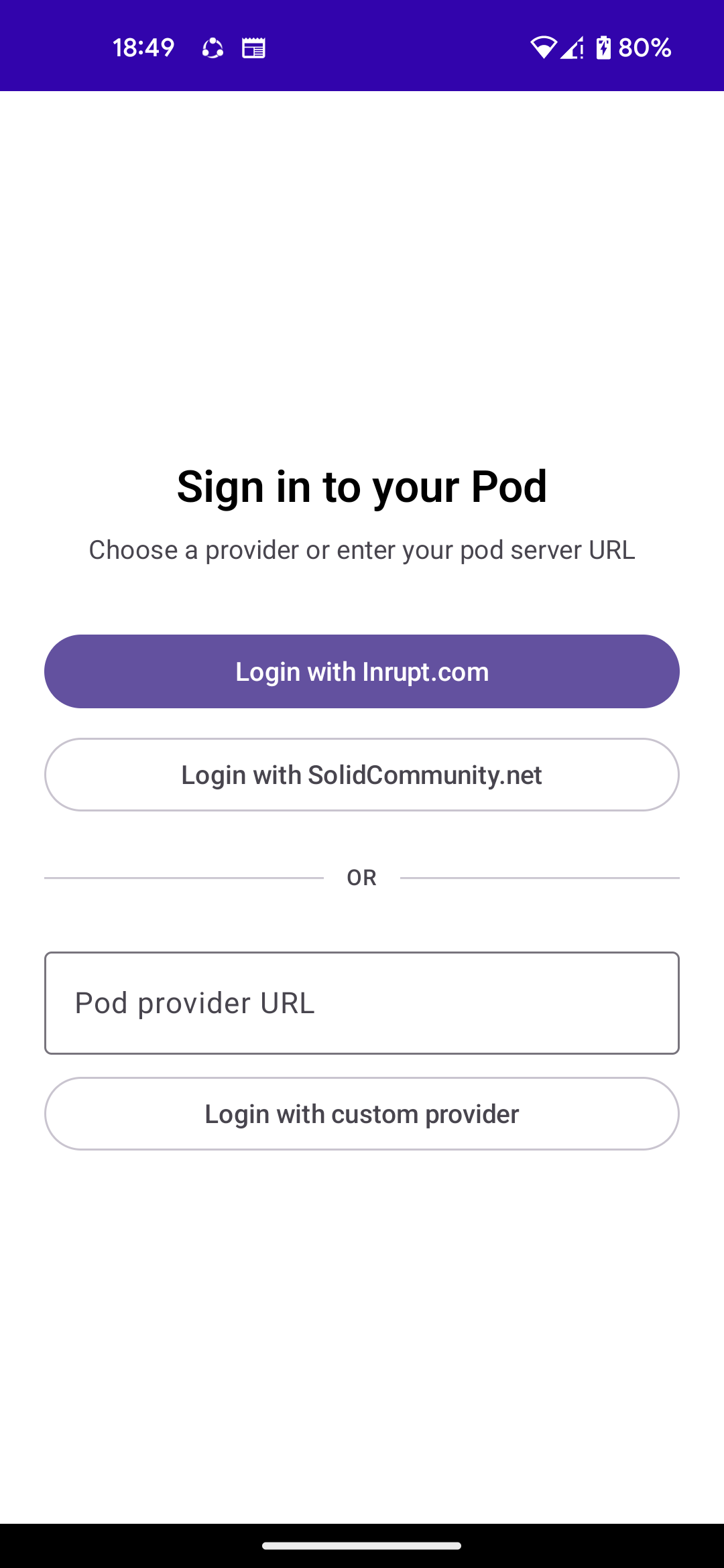
You can add several accounts from different providers and keep them all signed in. Apps ask for a specific one by WebID.
Which provider do I use?
If you do not have a pod yet, solidcommunity.net and solidweb.org both hand out free ones. Inrupt's PodSpaces is the commercial option. Any server implementing the Solid protocol works.
Granting apps access
When another app first asks for your pod, Android Solid Services shows you what it wants and which account it wants it for. Nothing reaches your pod until you allow it.
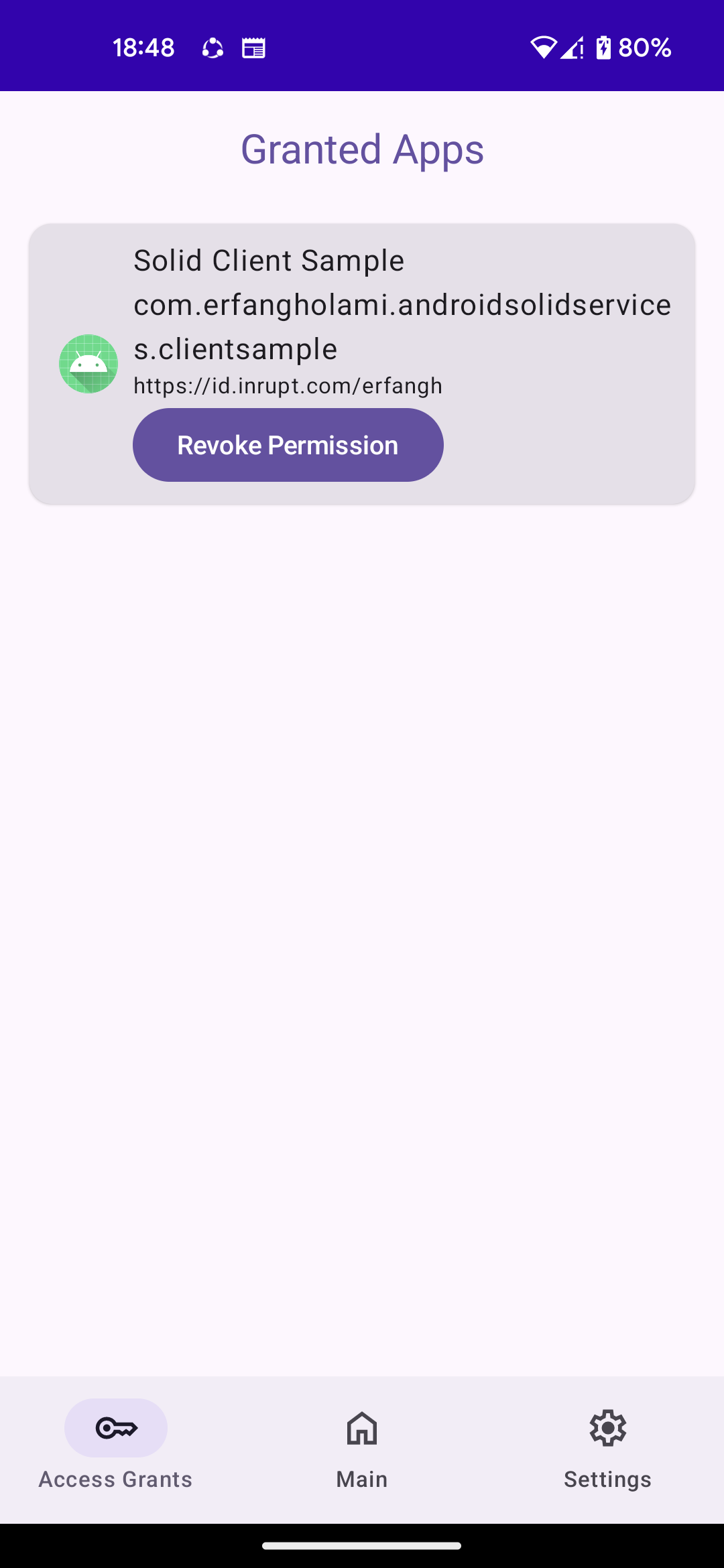
Review and revoke those grants at any time from Granted apps in the app. Revoking is immediate: the app keeps running, but its calls start failing.
Your accounts also appear in Android's Settings → Accounts, alongside every other account on the device. Removing one there signs it out here.
What leaves your device
Your tokens and signing keys never do. They are generated in the Android Keystore, bound to this device, and encrypted at rest. Other apps receive the results of pod calls, never a credential they could reuse.
See the Privacy Policy for the full account, and Troubleshooting if sign-in misbehaves.